Google Chat Finally Rolls Out Long-Awaited Reaction Notifications
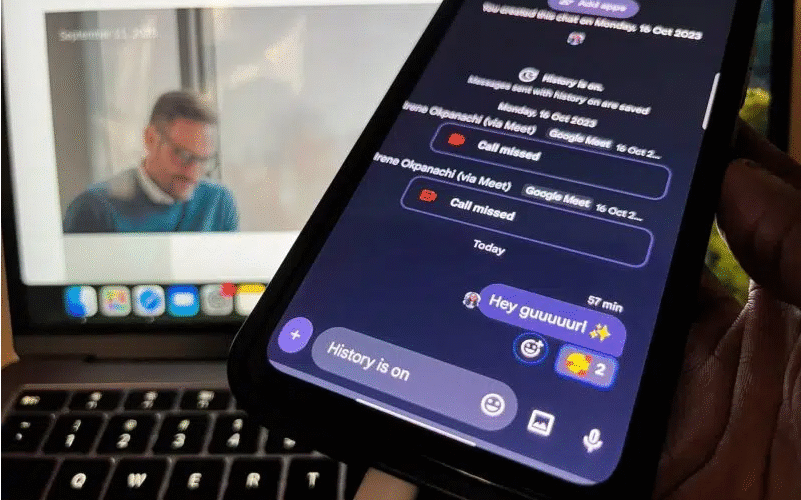
You no longer have to open a conversation to see if someone has reacted to your message—now, Google Chat will notify you in real time. When someone responds with a thumbs-up, heart, or any other emoji reaction, you’ll get an alert right away.
This highly requested feature is now available in both Gmail and the standalone Google Chat app. In addition, Google is testing bundled notification summaries and AI-generated recaps for busy group chats and email threads. These in-app summaries are separate from Android’s system-level updates, meaning the new features could be available to a wider range of users.
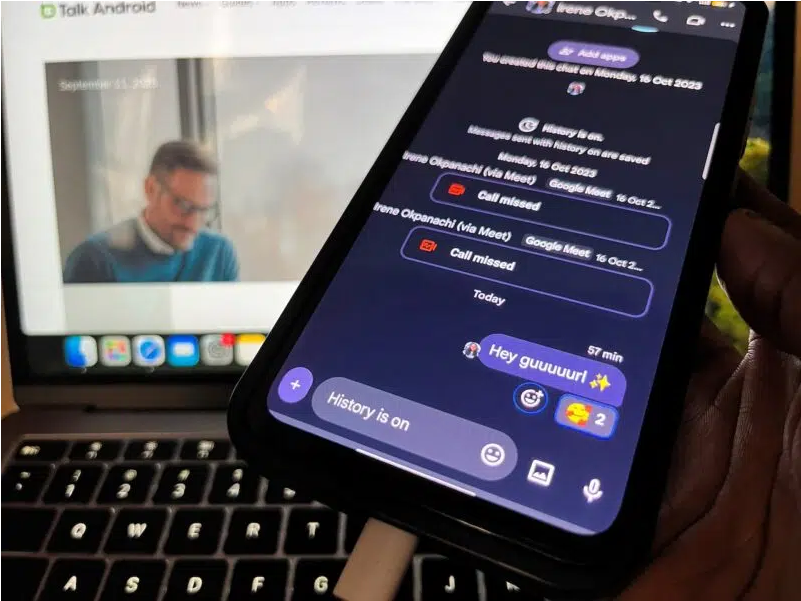
Real-time reaction alerts mean you’ll know the moment someone engages with your message. Google Chat is the company’s team messaging platform, designed for direct messages, group conversations, and collaboration through Spaces—similar to Slack channels. Originally evolving from Google Hangouts, it’s now deeply integrated with Gmail.
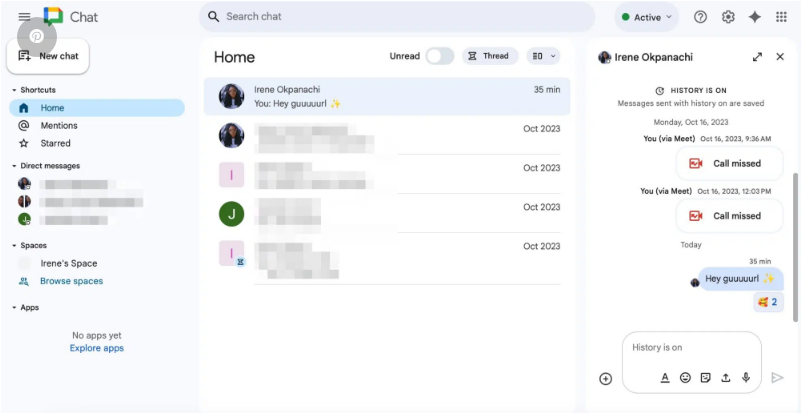
According to a post on the Google Workspace Updates blog, the new reaction notifications are enabled by default for anyone who already has Chat alerts turned on. Don’t want them? You can disable reactions by going to:
Google Chat → Settings → Notifications → Reaction notifications.If you don’t see the feature right away, don’t worry—it’s still rolling out. Google says Rapid Release domains began receiving access on September 4, 2025, with full deployment taking up to 15 days. Scheduled Release domains will follow starting September 18, also with a 15-day rollout period. The update will be available for all Google Workspace customers, individual subscribers, and users with personal Gmail accounts.
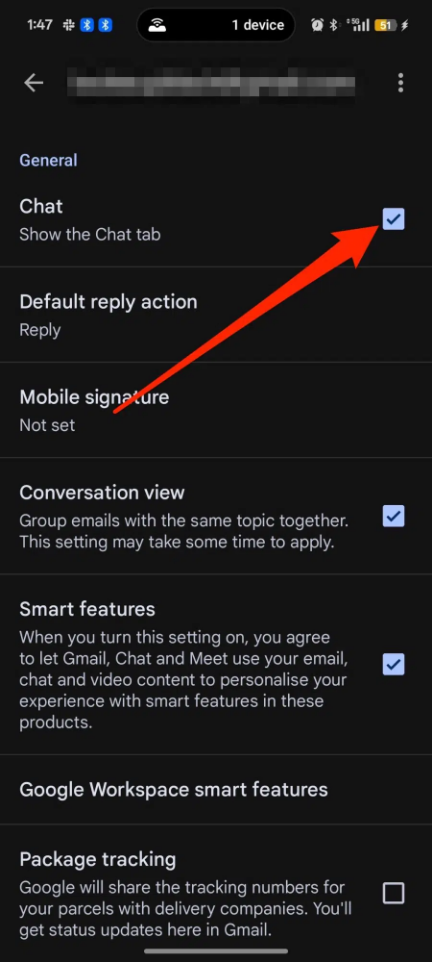
For those new to Google Chat, think of it as Google’s answer to Slack. You can access it via mobile apps for Android and iOS or on the web at chat.google.com. It’s also built directly into Gmail on desktop—look for the Chat tab next to Mail and Meet. If it’s not there, you may need to enable it in Settings.
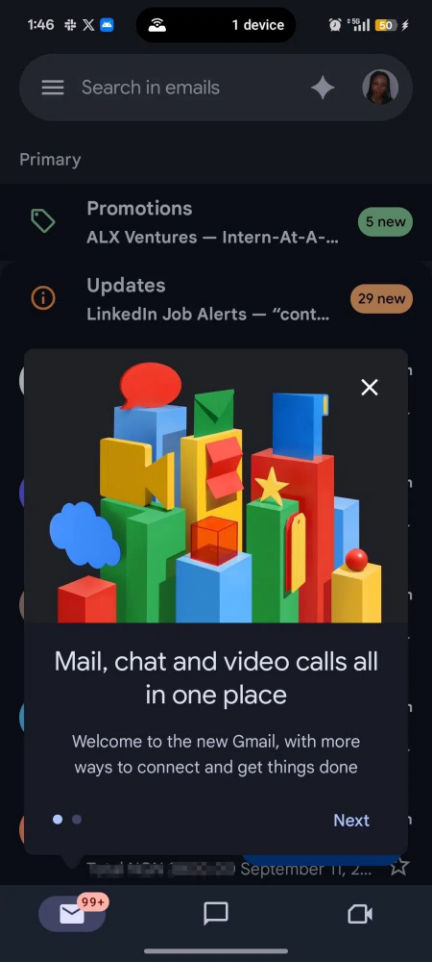
In the Gmail web app, click the gear icon → See all settings → General → Chat and Meet → Turn on Google Chat. On mobile, tap the menu → Settings → select your account → and toggle on Chat. Once enabled, you’ll see Chat at the bottom of the Gmail app or in the sidebar on web.
Google Chat integrates smoothly with other Workspace tools like Docs, Sheets, Drive, and Calendar, making it easy to collaborate without switching tabs. While it’s built for work and school, you can also use it with a personal Gmail account. Everything syncs across devices, so you can pick up right where you left off.
Best of all, you don’t need to manually update the app to get new features like reaction notifications—Google enables them from the server side. That said, keeping your app updated ensures better performance and fewer bugs.