Chrome for Android Now Offers Podcast-Style Summaries for Any Webpage
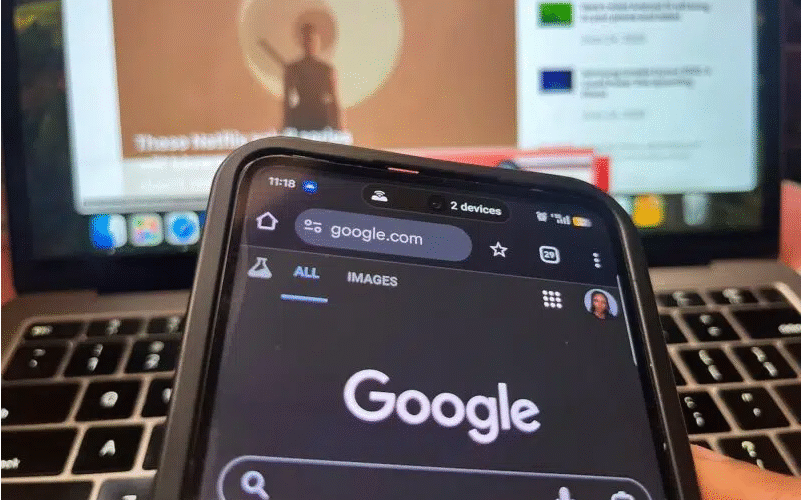
Static articles just got a more engaging, audio-friendly upgrade—all thanks to Chrome for Android.
AI is quietly spreading across Google’s entire ecosystem, and now it’s reached the company’s mobile browser in the form of smart summaries. Chrome’s latest update lets you turn any webpage into an AI-powered “Audio Overview” that feels just like a short podcast.
Let’s be real: Who wouldn’t love condensing a long article into a 30-second recap? But that convenience comes with hidden tradeoffs—especially for writers and readers alike. Every time AI steps in between you and the original text, it chips away at the need to read, analyze, and interpret content on your own.
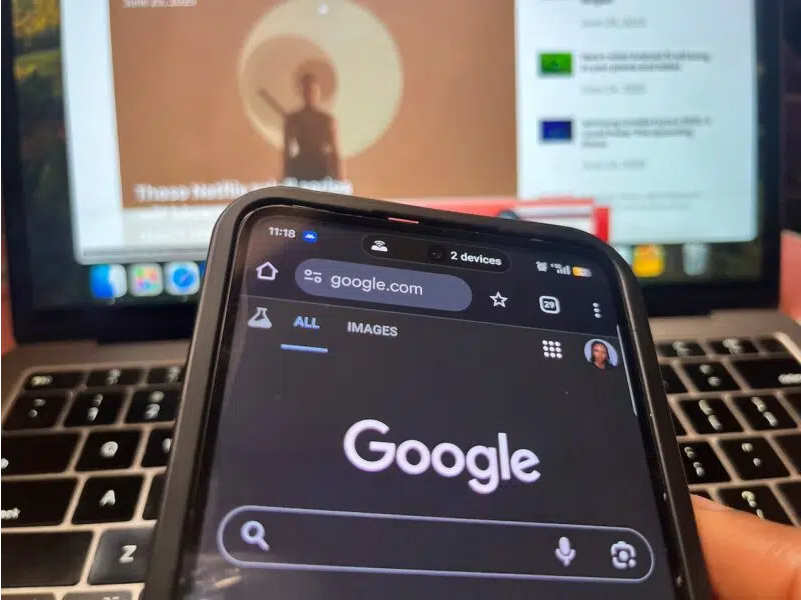
There’s another catch, too: Websites are already seeing big drops in engagement metrics as AI tools like this streamline content. Before long, your browser might feel less like a window to the web and more like a filter—deciding what counts as “easy to digest” before you even see the full page.
Turn Any Webpage Into a Conversational Podcast
Google’s new Chrome feature isn’t just a minor tweak—it’s a revamp of the browser’s existing “Listen to this page” tool. Here’s how it works: Tap the tool in Chrome’s menu, and a player bar pops up at the bottom of your screen. You get all the basics: pause, skip 10 seconds forward or back, adjust playback speed, and even switch between different voices or languages.
But the old “Listen to this page” was just a built-in text-to-speech tool with a robotic voice. It was designed for accessibility, sure—but it also came in handy for hands-free reading (think: commuting or cooking). The new version changes the game by adding an AI-generated Audio Overview between you and the full article. It compresses the webpage into a natural, conversational summary—complete with two synthetic voices chatting back and forth, just like a mini podcast.
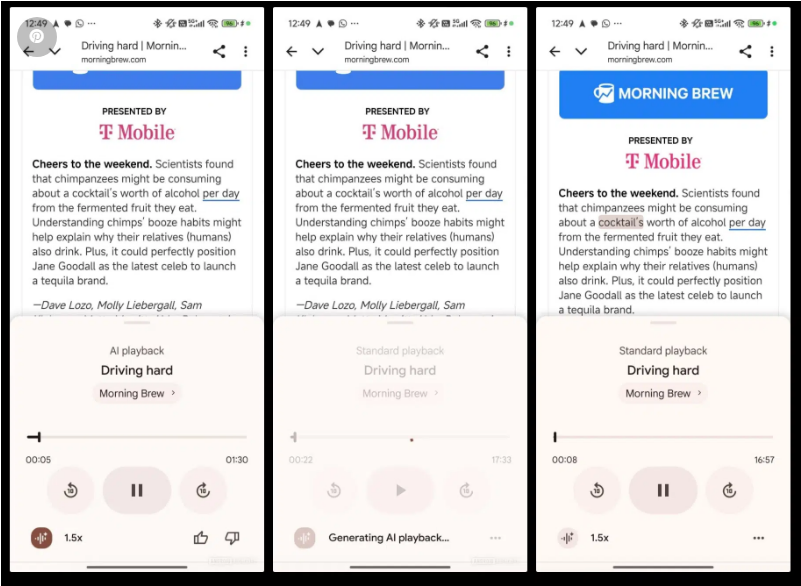
The concept feels familiar, too: It echoes NotebookLM’s Interactive Beta feature, which likely inspired this Chrome update and first popularized the idea of conversational AI summaries. Android Authority’s Mishaal Rahman was the first to spot the rollout in Chrome’s stable version (specifically 140.0.7339.124)—the same version I’m using now.
Unfortunately, the feature hasn’t rolled out in my region yet—but I’m already eager to test it firsthand. That delay makes sense, though: it only recently moved out of Google’s experimental phase and Canary testing environment.
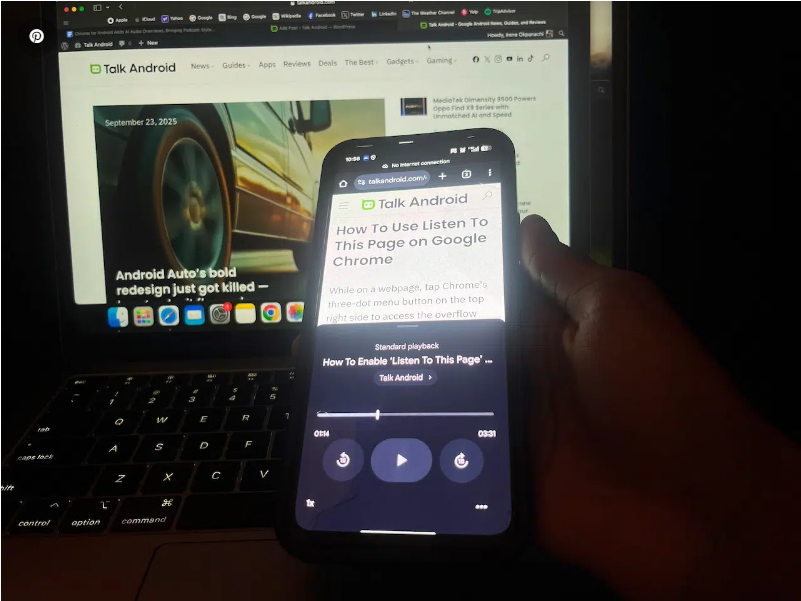
Chrome’s Podcast-Style Feature Will Hit Your Phone Soon
If you have the update, here’s how to use it: Open Chrome’s menu (tap the three-dot icon in the top-right corner) and look for the “Listen to this page” option. From there, hit the new AI playback button next to the speed controls, and you’re good to go.
Haven’t gotten the feature yet but curious what it sounds like? Head to Google’s NotebookLM mobile app. Try the Interactive Beta mode in the Studio menu, or check out the Audio Overview tool on the NotebookLM website. NotebookLM is mostly built for learning and research—but it works surprisingly well as a productivity hack for testing out this conversational AI style, too.
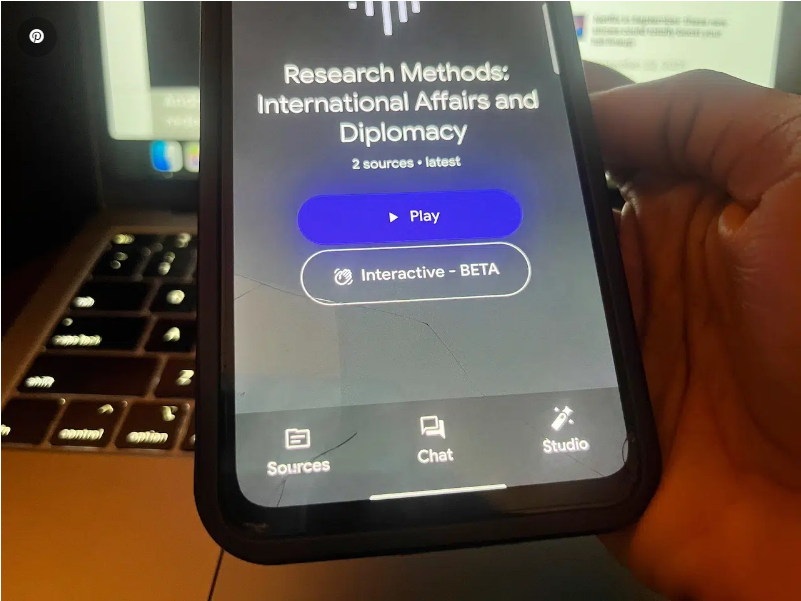
Google hasn’t stopped there, either—it’s been tweaking Chrome in other small but useful ways you might have missed. Back in June, for example, Chrome added the ability to move the address bar between the top and bottom of your screen. You can either long-press the omnibox (Chrome’s name for the address bar) and drag it down, or tweak the setting manually in Chrome’s preferences. Pair that with the new AI summary tool, and you’ve got a browser that’s way easier to use with one hand.