Your Spotify Premium Subscription Just Got a Major Lossless Audio Upgrade
This might finally be the reason I switch from Deezer for good.Sound quality has always been the main reason I never fully bought into the Spotify hype. As sleek and user-friendly as the app is, I’ve consistently preferred Deezer for one simple reason: better audio fidelity.
To me, the choice of codec makes all the difference in how music feels. If you’re going to offer millions of tracks but compress them into a mediocre stream—even behind a paywall—I’d rather just listen to my own local files for free.
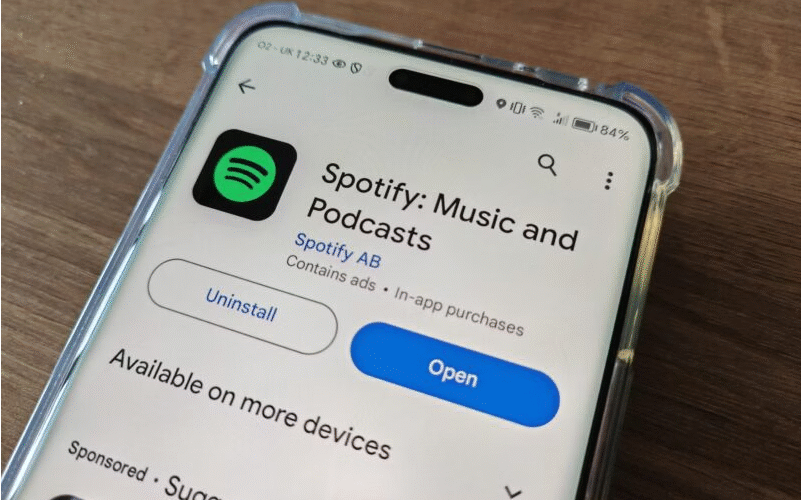
But now, Spotify is rolling out its long-awaited lossless audio tier with support for FLAC playback. For me, that changes everything. The best part? It’s included at no extra cost for Premium subscribers—making Spotify a much stronger competitor to services like Deezer and Apple Music.
Lossless audio delivers a superior listening experience
Let me be clear: Spotify’s previous audio quality wasn’t bad. I may have made it sound worse than it is—but that’s only because I’ve been spoiled by lossless and hi-res audio across various platforms and gear. Once you’ve tested enough headphones and streaming services, you start noticing things you can’t unhear. Part of me wishes it didn’t matter so much—but it does.Before this update, Spotify’s “Very High” quality setting used the Ogg Vorbis format at around 320kbps. While that’s technically compressed, it’s still very good—and to most people, it’s virtually indistinguishable from CD quality. Think of it like a well-compressed Instagram photo: it looks great until you compare it side-by-side with the RAW original. Then you notice the missing depth and detail.
Free Spotify users had it much worse, limited to 96kbps (“Normal,” similar to FM radio) or 160kbps (“High,” comparable to an old MP3 rip).
Now, with lossless, Spotify streams FLAC files at up to 24-bit/44.1kHz—delivering every bit of the original studio recording. That’s a jump from 320kbps to over 1,400kbps. You’re hearing exactly what the artists intended.
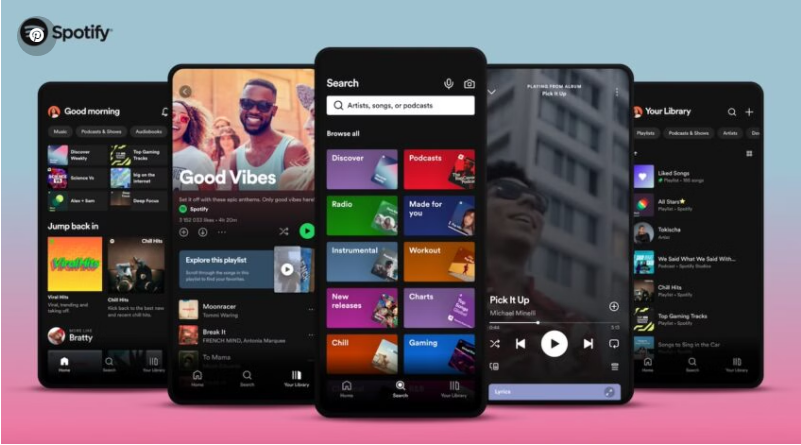
How to try lossless audio on Spotify
The rollout is already underway in select regions, including the US, UK, Germany, Japan, and Australia. Over 50 markets are expected to gain access by October—so here’s hoping your country makes the list.If you’re a Premium user, you may already see the new option under Settings & Privacy > Audio Quality. Select “Very High” for WiFi streaming to enable lossless playback. Note: you’ll need to turn it on individually for each device, even under the same account.
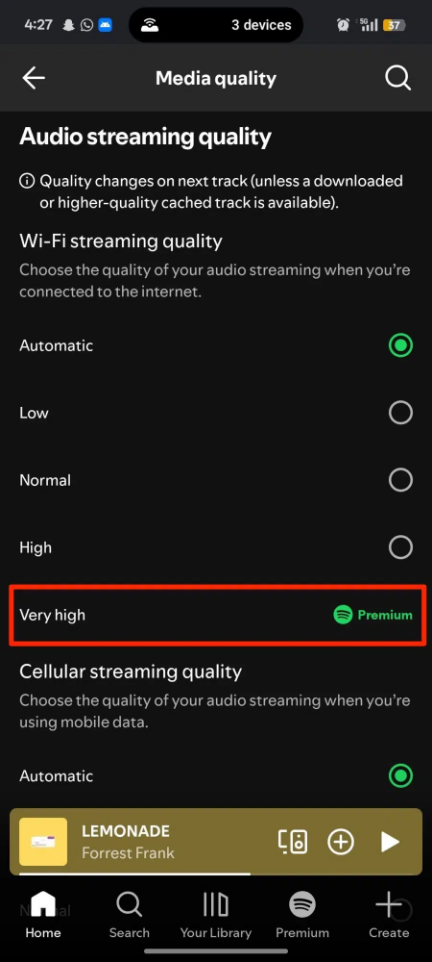
Once enabled, you’ll see a “Lossless” tag on the Now Playing screen or Connect menu.
A quick heads-up: since lossless files are larger, songs might take a bit longer to load. Spotify recommends using WiFi and wired headphones or speakers for the optimal experience.