Google Messages Upgrade Makes Conversations More Meaningful
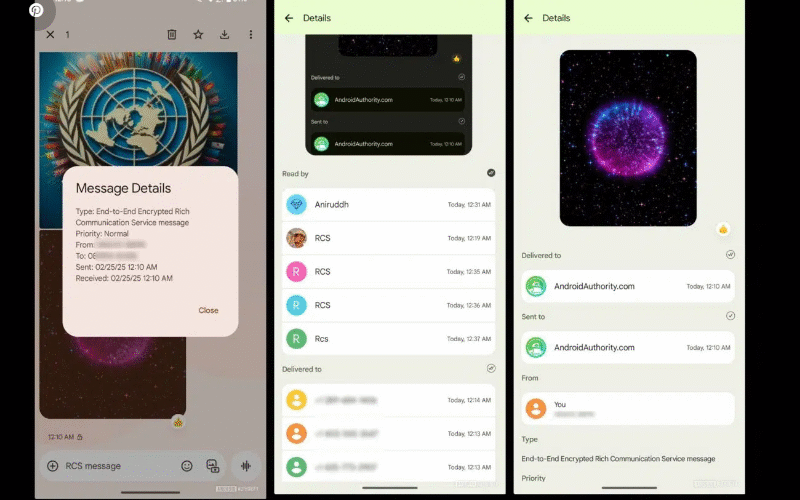
Google is transforming its Messages app with a smarter “view details” feature that finally shows the actual context of your replies—not just timestamps.
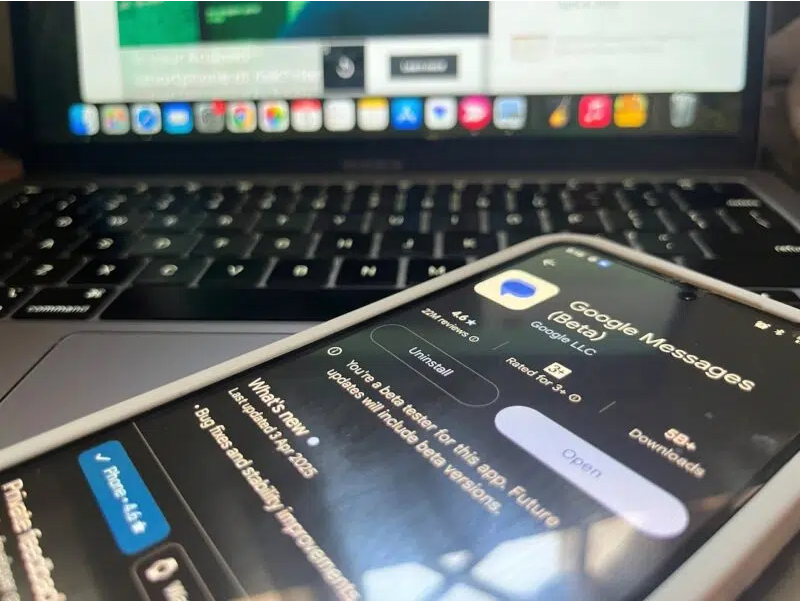
Remember when texting was just simple SMS? Today’s messaging includes read receipts, reactions, high-quality media sharing, and live typing indicators, all powered by Rich Communication Services (RCS). Now, Google is taking it further with a beta update that revamps the “view details” screen, making it far more useful.
No More Guessing What You Replied To
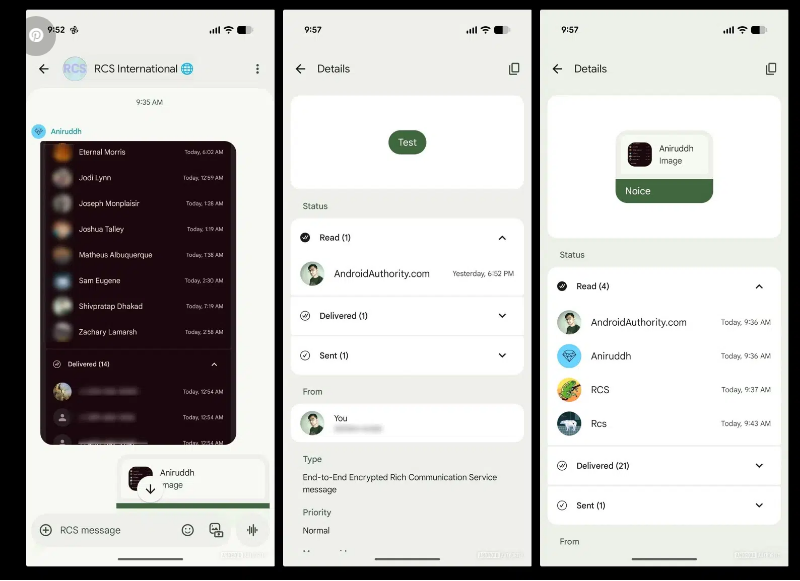
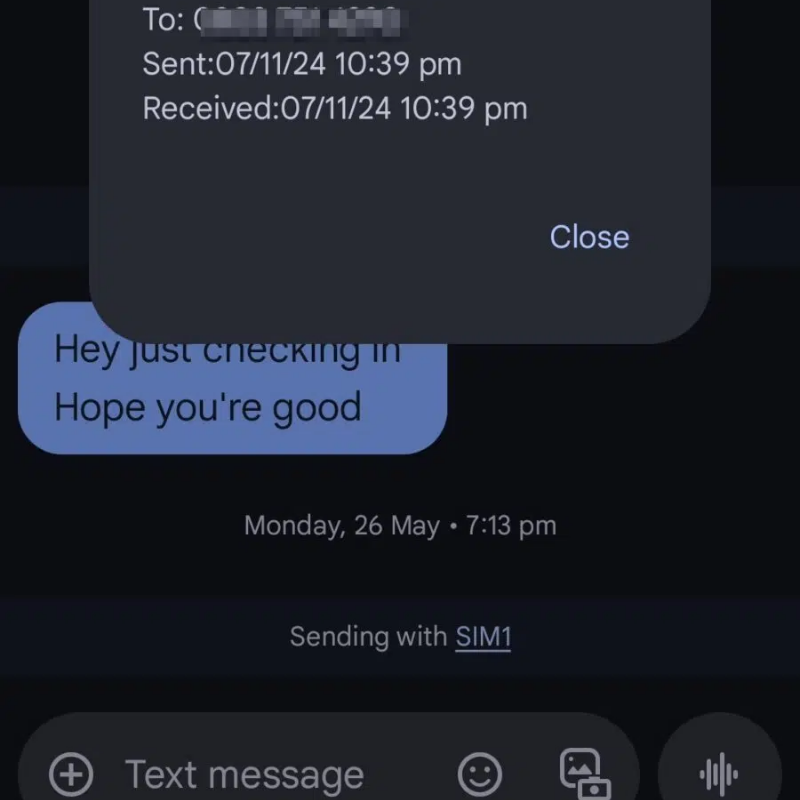
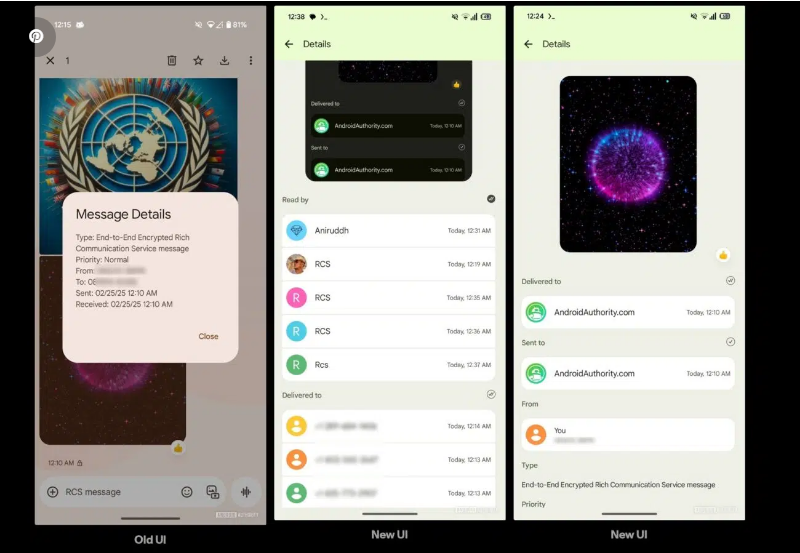
Previously, the “view details” screen only showed basic info like timestamps and phone numbers—helpful for troubleshooting but not for everyday conversations. The new version fixes that by displaying the original message you were responding to.
For example, if you replied “Yes, please!” to “Should I grab coffee on my way?”, the old screen would just tell you the message was sent at 8:02 PM. Now, it shows the full context, so you don’t have to scroll back to remember. This is especially helpful when replying from notifications or in long group chats.
See Who Actually Read Your Messages
Group chats can be chaotic—some people read messages immediately, others leave them unopened, and sometimes texts just fail to deliver. Google’s update makes it clearer who has seen your message and who hasn’t, so you can follow up smarter. Need to remind someone? Now you’ll know who to nudge.
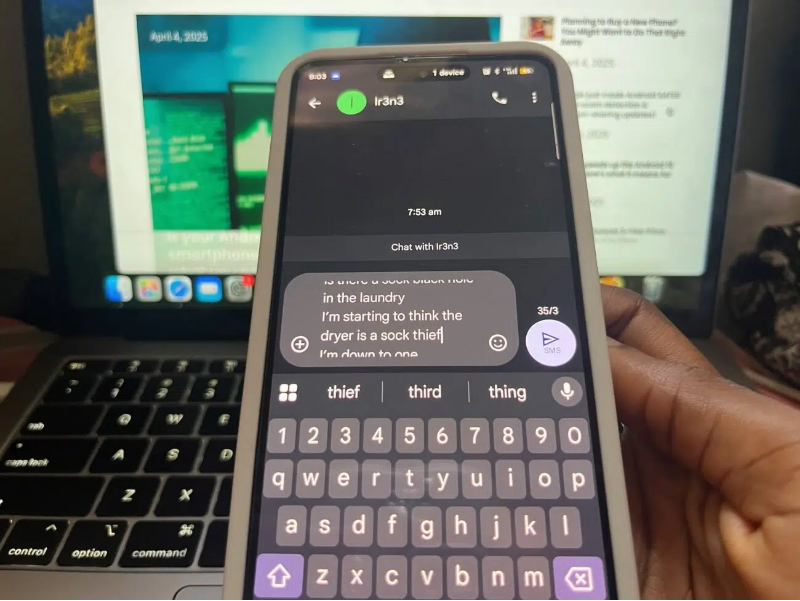
This does raise questions about how deleted messages will be handled, but it’s a welcome addition—especially alongside other upcoming features like Gemini AI integration, dual-SIM RCS support, and custom group icons.
When Is This Rolling Out?
Discovered by Android Authority in a recent APK teardown (version messages.android_20250223_01_RC00.phone.openbeta_dynamic), the update is slowly reaching beta testers. Since these features are often hidden in early builds, a full public release date hasn’t been confirmed yet.
For now, Google Messages continues to evolve with longer text previews, sensitive content warnings, and improved satellite messaging—making it one of the most robust messaging apps for Android users.