Google Gemini Now Transforms Images into Videos – But There’s a Catch

AI chatbots have evolved far beyond simple question-and-answer tools. Today, they can generate images, debug code, and even create videos—a field that’s advancing at breakneck speed. Google’s latest upgrade to Gemini and its Veo 3 model takes AI video generation a step further by turning still images into short, dynamic clips.
From Photos to Videos in Seconds
First introduced at [Google I/O 2025](https://www.talkandroid.com/500520-google-io-2025-date/), Veo 3 has already been used to create everything from surreal stormtrooper influencer clips to AI-generated street interviews. Now, Google is enhancing its capabilities by allowing users to animate still images—with more control than ever before.

Unlike earlier AI tools that only added subtle motion, Gemini’s new feature lets you describe the action you want in the video, including audio cues. Here’s how it works:
1. Select “Video” in Gemini’s prompt toolbar.
2. Upload your chosen image.
3. Enter a detailed prompt (e.g., “Make the waves crash loudly in the ocean scene”).
4. Let Gemini and Veo 3 generate an 8-second video based on your input.
This approach is especially useful for creators who want realistic results, as starting with an actual photo provides a grounded reference. However, it also works with illustrations and AI-generated art, opening up creative possibilities.
Not Available to Everyone… Yet
Before you rush to try it, there’s a catch: this feature is exclusive to Google’s paid AI plans.
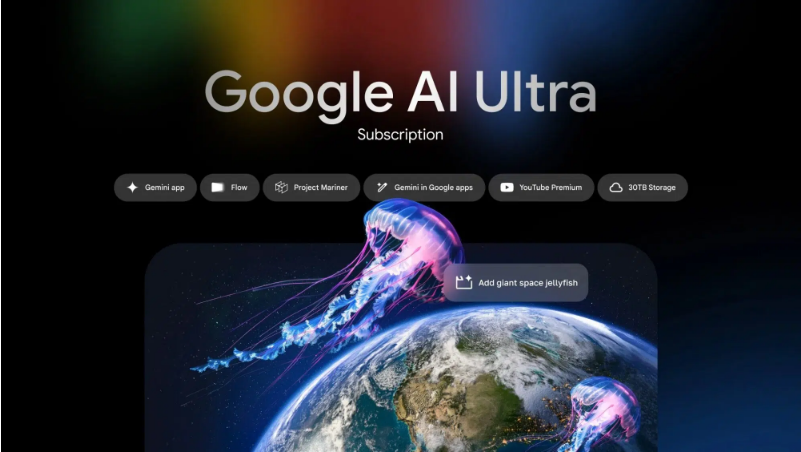
| Feature | AI Pro ($19.99/month) | AI Ultra ($249.99/month) |
|——————|————————–|—————————–|
| Cloud Storage | 2 TB | 30 TB |
| AI Model | Gemini 2.5 Pro | Gemini 2.5 Pro Deep Think |
| Video Generation | Limited Veo 3 access | Full Veo 3 access |
| Monthly Credits | 1,000 | 12,500 |
| YouTube Premium | Not included | Included |
While AI Pro offers an affordable entry point, AI Ultra is geared toward power users with its massive storage and priority access to Veo 3. Free-tier users will have to wait—or upgrade—to unlock this feature.