Google Clock Disappears From Non-Pixel Wear OS Watches—Here’s What to Know
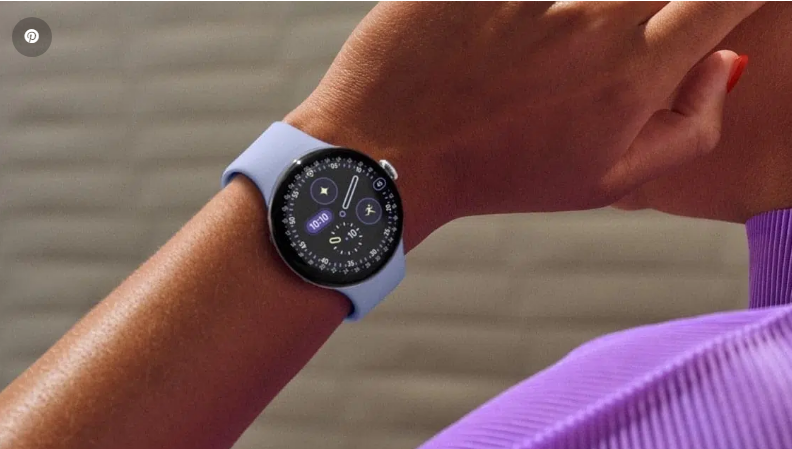
It feels like Google might be nudging you toward your smartwatch’s native clock app—or it could just be a bug. Either way, no need to hit panic mode just yet.
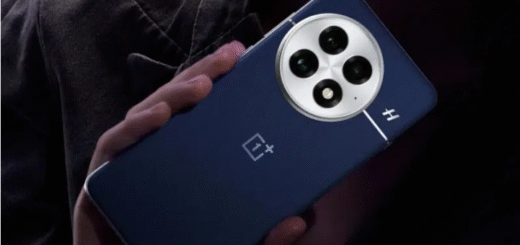
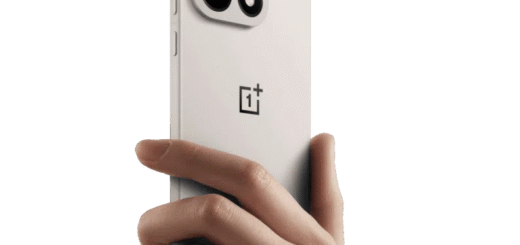
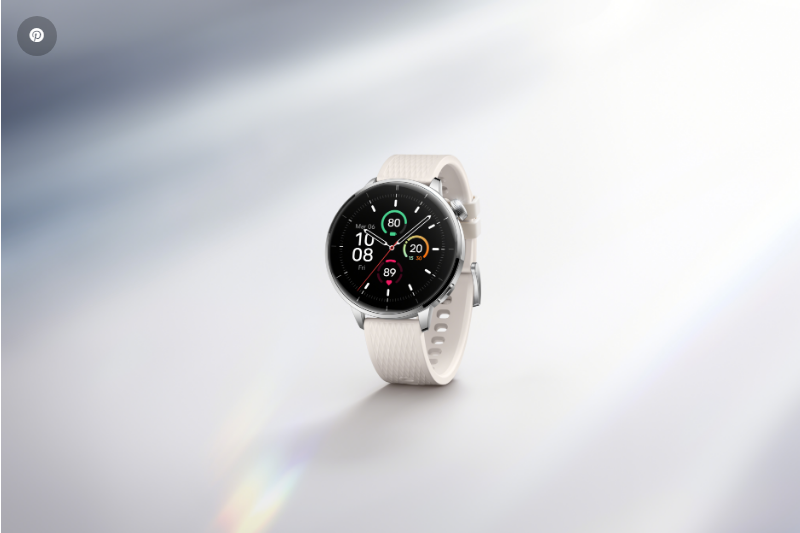
Google’s Wear OS Clock app has vanished from the Play Store for countless non-Pixel smartwatches, with Galaxy Watch and OnePlus Watch models taking the biggest hit. The irony here is hard to miss: the single most essential app on a device built to tell time has gone MIA.
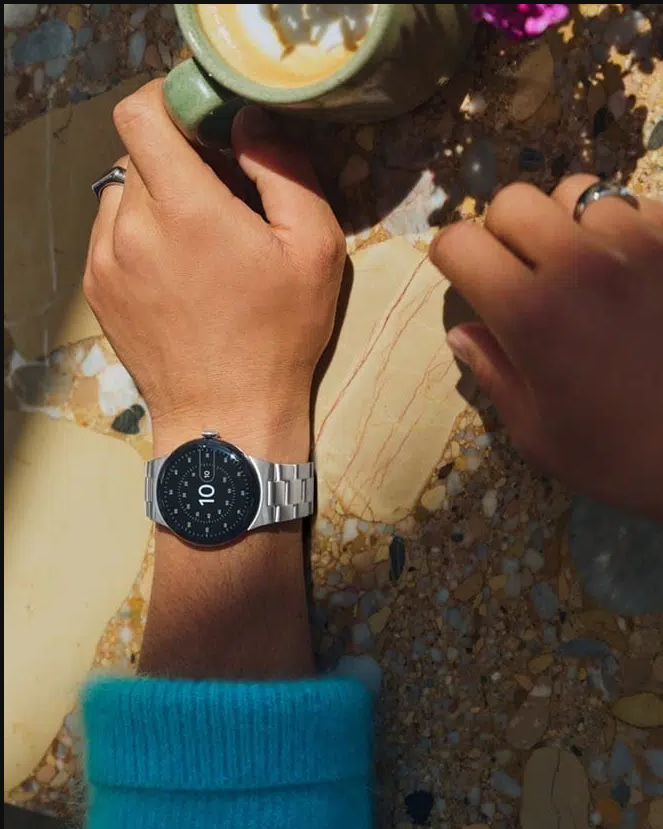
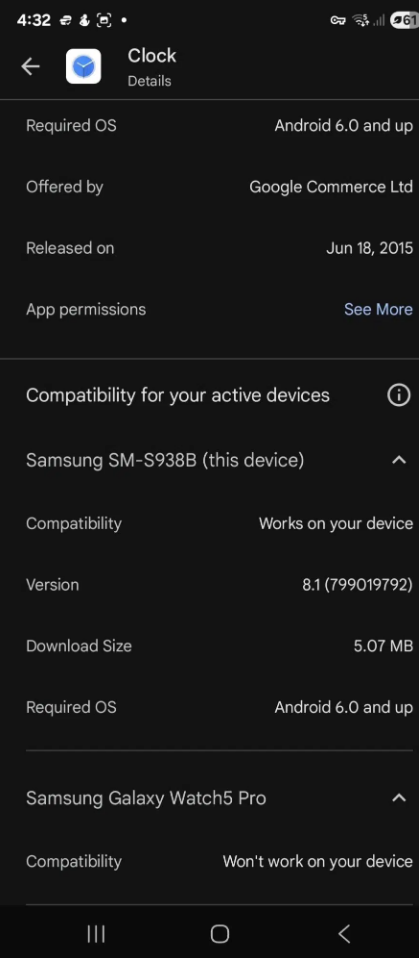
Try to pull it up in the Play Store now, and you’ll get a “device not supported” message—even if it worked perfectly fine last week. Some users have tried sideloading the app from third-party sites, but while installation goes through, the critical link between watch and phone breaks. That means no more syncing alarms, timers, or any other features across your devices .
Is Google Cutting Off Third-Party Watches?
Here’s the kicker: it’s been days, and we still don’t have clarity on why this is happening. Is it a temporary glitch, or is Google intentionally locking the Clock app to Pixel Watches and ditching support for other Wear OS devices? The company hasn’t issued an official statement, so all we can do is wait.
If it’s the latter, it wouldn’t be shocking. Google has a history of holding back top-tier features to push its own hardware—just look at how it reserves certain smartphone tools for Pixel devices . Keeping the best Wear OS clock experience exclusive to its watches would fit that playbook.
But let’s not jump to conclusions. Play Store listings frequently break when Google updates device compatibility rules, temporarily flagging apps as unsupported even when nothing’s actually changed . This could just be one of those messy mix-ups.
For Now, Stick to Your Watch’s Default Clock App
Your options are pretty straightforward right now: use the built-in clock app from your watch’s manufacturer. Samsung and OnePlus both include their own versions—they might not integrate as seamlessly with Google services, but they’ll get the job done reliably for the time being.
The timing makes this extra frustrating, too. Google just finished polishing the Clock app with a Material 3 Expressive redesign . Just days ago, it rolled out fresh icons for Alarm, Stopwatch, Timer, and more—only for non-Pixel users to lose access.
The old Wear OS icons were flat and in-your-face, leaning entirely on bold color blocks to signal their function. The Clock app sat on a bright yellow circle with a thin, minimalist alarm outline; Stopwatch was red, Timer bright green.
The new ones? They’ve got real depth, with soft gradients that give them a tactile, almost tangible feel . The Clock icon dumps the yellow background for a shaded, realistic clock face—thick hands sit front and center, like they were painted with a heavy brush. Timer now looks like a tiny hourglass, shaded in blue and purple hues that give it a 3D pop.
If your Pixel Watch (or non-Pixel, fingers crossed Google fixes this) updates to version 6.10.571.x, you’ll see these tweaks right away. Until then, default clock apps will have to do.