Android Canary: Google’s Boldest Early Access Program for Pixel Users

In Google’s world, “Canary” isn’t just a bird—it’s your backstage pass to the future of Android before it reaches the masses.
Think of it as Google’s most daring beta program yet. If you’ve ever tried developer previews, you know the drill: Google rolls out early software builds in phases before the official launch, letting testers hunt for bugs and polish the experience. But those previews have always had one big limitation—they only run for a few months before a major Android release. By the time updates arrive, most features are nearly finalized, meaning you’re not truly seeing Android evolve in real time.
Enter Android Canary, the ultimate early access experience for Pixel owners who want to witness changes as they happen.
What Is Android Canary?
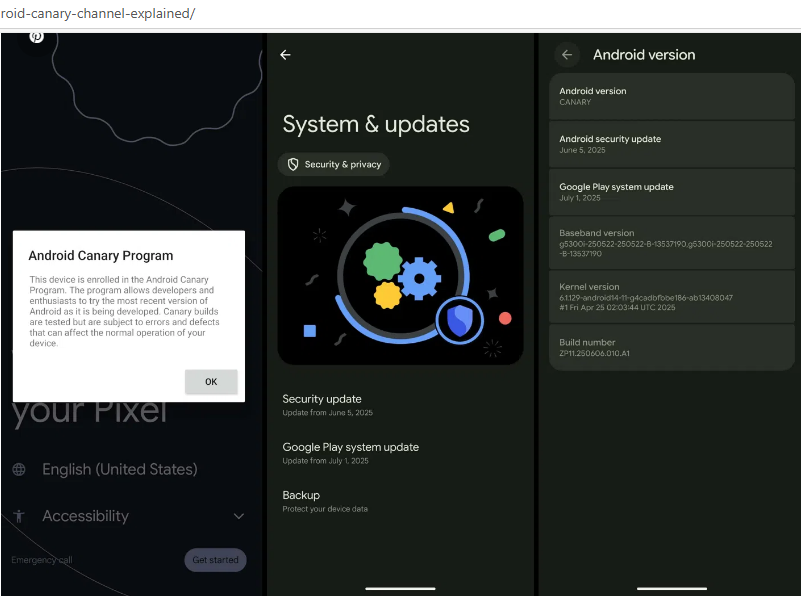
Android Canary (officially detailed [here](https://android-developers.googleblog.com/2025/07/android-canary.html?m=1)) is a bleeding-edge testing channel for the Android OS. Unlike traditional previews, which require manual flashing for each update, Canary delivers continuous over-the-air (OTA) updates packed with experimental features, under-development APIs, and system tweaks that may never make it to the stable version.
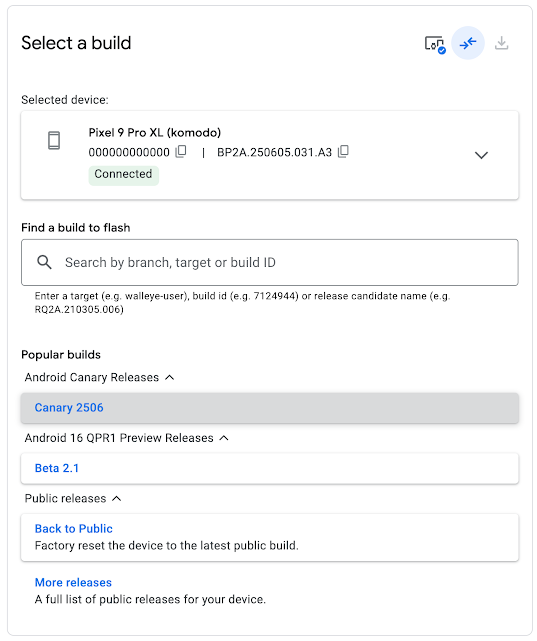
This isn’t just about bug testing—it’s about shaping Android’s future. Developers and enthusiasts get first dibs on new behaviors and functionalities, allowing them to test app compatibility and provide direct feedback to Google.
But be warned: Canary is unstable by design. Google pushes daily builds with minimal testing, meaning your Pixel could crash, lose functionality, or behave unpredictably. The company strongly recommends using it only on secondary devices. Once you join Canary, you’ll keep receiving updates automatically—and if you want out, you’ll need to wipe your device and flash back to a stable or Beta build.
Which Devices Support Android Canary?
Unsurprisingly, Canary is exclusive to Pixel devices—Google’s own hardware playground. After all, if you’re going to test features that might break the system overnight, you’d want full control over the hardware.
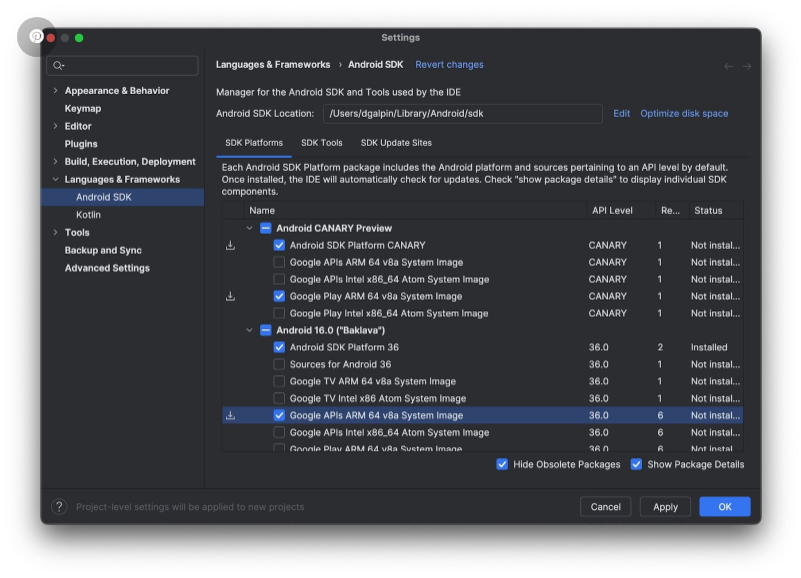
Eligible models include:
- Pixel 6 and newer (Pixel 7, 8, 9, and likely the upcoming [Pixel 10](https://www.talkandroid.com/510852-pixel-10-launch-lineup/))
- Pixel Fold & Pixel Tablet
- A-Series phones (Pixel 6a and above)
Don’t own a Pixel? You can still experiment with Canary builds using Android Studio’s Canary Emulator, though it’s not the same as running them on actual hardware.
First Look: What’s New in Android Canary?
9to5Google recently revealed some early Canary changes, including:
- The removal of the AI Mode toggle from the Pixel Launcher’s search bar—a surprising shift given Google’s heavy AI focus.
- A redesigned weather widget in the At a Glance section, now featuring vibrant new icons.
- Relocated parental controls, now separated from Digital Wellbeing in Settings.
These tweaks hint at bigger changes coming to Android. If you’re a developer or a Pixel power user, Canary offers an unfiltered look at what’s next—just be ready for the risks.