iPhone Users May Soon Get Access to Google’s Quick Share Feature
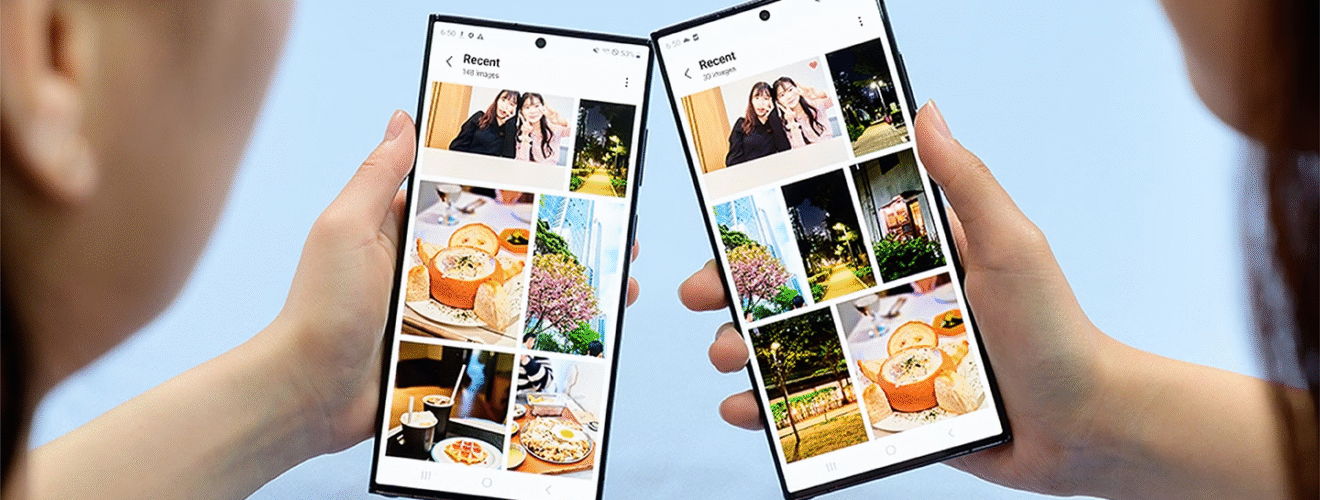
Android users might soon be able to easily send files to iPhones—sort of like how Apple’s Airdrop works, but across platforms.
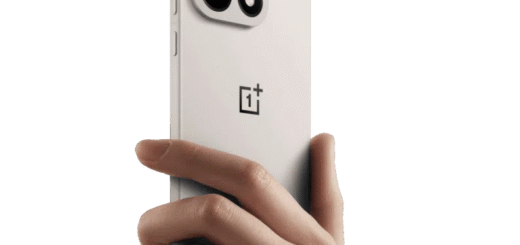
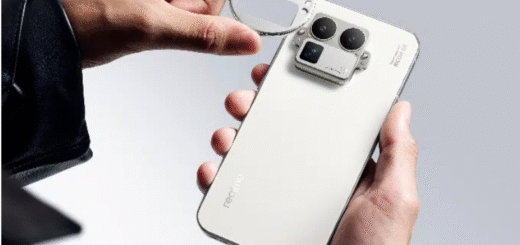
As someone who’s been using the Realme ecosystem lately, I haven’t spent much time thinking about Android-iPhone compatibility. Realme’s own sharing tool gets the job done, though it relies on a third-party app—similar to solutions like Xender. It’s not built-in, but it works smoothly for everyday file transfers.
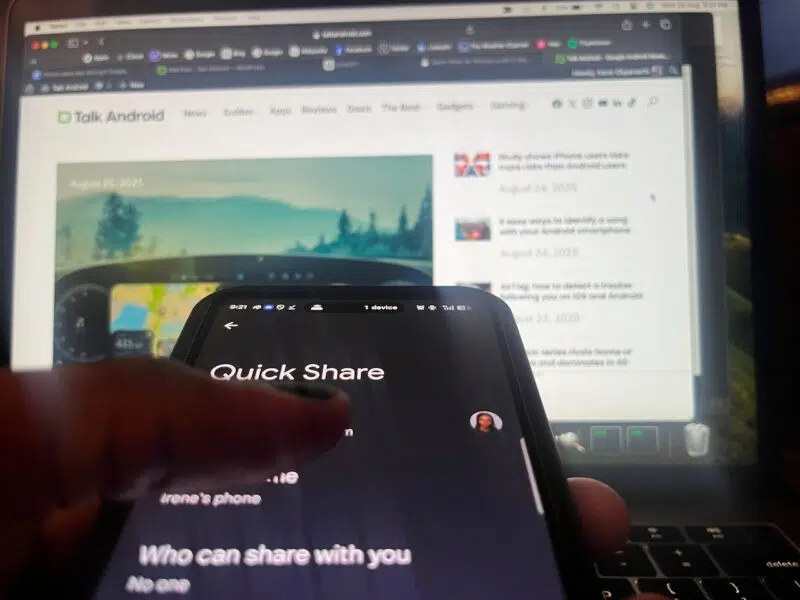
Now, it looks like Google is stepping in to improve cross-platform sharing. Android Authority recently uncovered evidence within the latest Google Play Services beta that suggests Google is developing an iPhone-compatible version of Quick Share.
Code Hints Point to iPhone Compatibility
Last year, Android Authority reported early signs that Quick Share might eventually support iOS and macOS. One clue came from a Google engineer’s comment in the code for Google’s Nearby Share library, which mentioned improved device name recognition for Apple devices—hinting that Quick Share was being tested with iPhones and Macs.
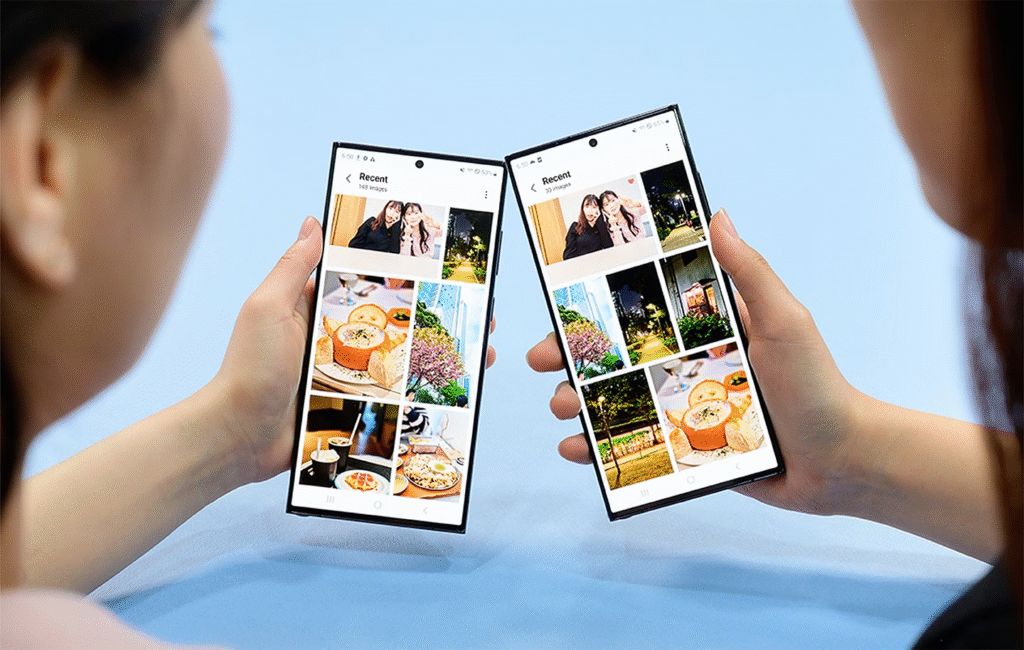
This time, a deeper look into the Google Play Services beta revealed actual text strings and menu labels that directly reference iPhones. These tags are used by developers to store interface text, making it easier to adapt and translate the app later on.
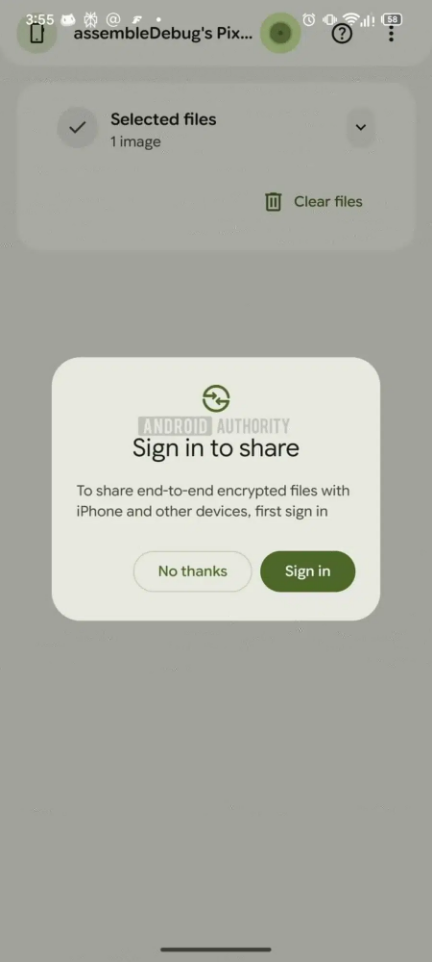
One discovered string describes a message that reads: “To share end-to-end encrypted files with iPhone and other devices, first sign in.” Another defines a dialog box titled: “Sign in to share.”
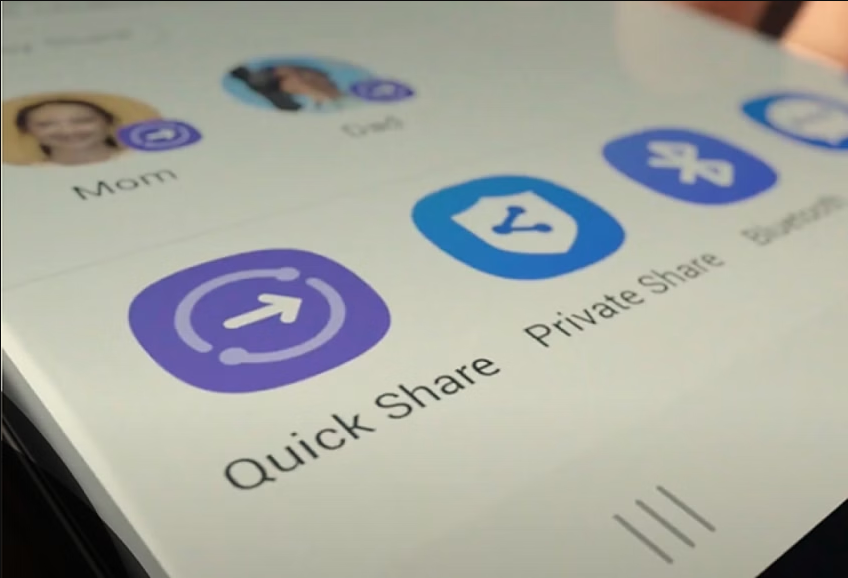
Together, these pieces form what appears to be a pop-up prompt on Android devices when someone tries to share a file with an iPhone user via Quick Share.
Google Account Sign-In May Be Required
Typically, Quick Share on Android doesn’t require a Google account. It uses direct peer-to-peer connections like Bluetooth and Wi-Fi to transfer files seamlessly between Android devices.
However, when the Android Authority team triggered the hidden iPhone sharing option, they noticed it only appeared after they had signed out of their Google account. This suggests that sharing with iPhones might work differently.
One reason could be device visibility. Quick Share lets users choose who can see their device—everyone, just contacts, or no one. If iPhones gain support, Google might use account sign-in to help manage visibility and permissions through your Google identity rather than local device discovery.
Another factor is that iPhones don’t have Google Play Services installed. Google may need to release a standalone Quick Share app for iOS that uses your Google Account to verify identity and enable encrypted transfers—similar to Realme’s O+ Connect app, but with an added login step. This would align with the found references to end-to-end encryption.
Whatever the final implementation, it’s encouraging to see Google pushing for better connectivity between Android and iOS. It’s time for these walled gardens to open up—or at least, for someone to build a gate.