Sony Addresses Xperia 1 VII Power Issues—Here’s How to Get a Replacement

Sony has finally identified the cause behind the random shutdowns plaguing some Xperia 1 VII units—and the only solution is a full replacement.
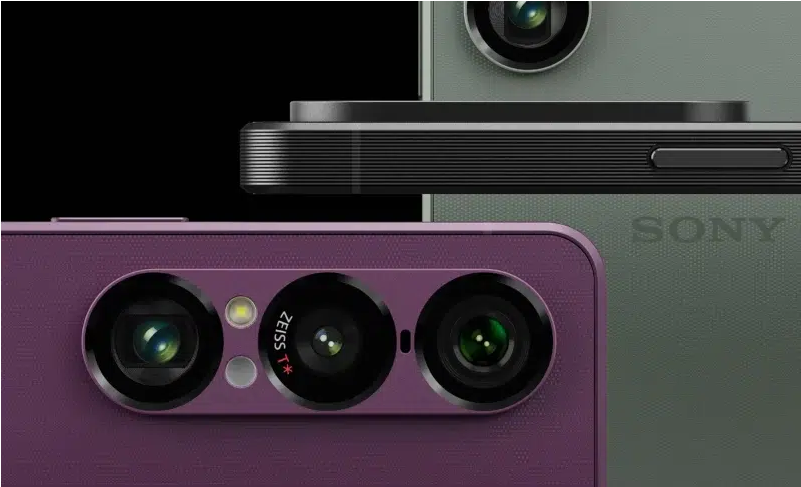
While Sony no longer dominates the Android market like it once did, the company continues to produce smartphones on its own terms. Its fanbase may be smaller these days, but Sony remains committed to its unique approach to flagship devices. However, given its niche position, hardware issues like the Xperia 1 VII’s power failures could have been disastrous. Fortunately, Sony acted quickly, offering free replacements for affected users.
The Root Cause: Faulty Circuit Boards
As an early admirer of Sony’s smartphones, I’ve always respected the brand—even if I never owned an Xperia myself. That said, the Xperia 1 VII’s premium pricing made me hesitant, and now it seems that was a wise decision. Users worldwide reported sudden shutdowns, reboots, and even complete failure to power on, prompting Sony to investigate.
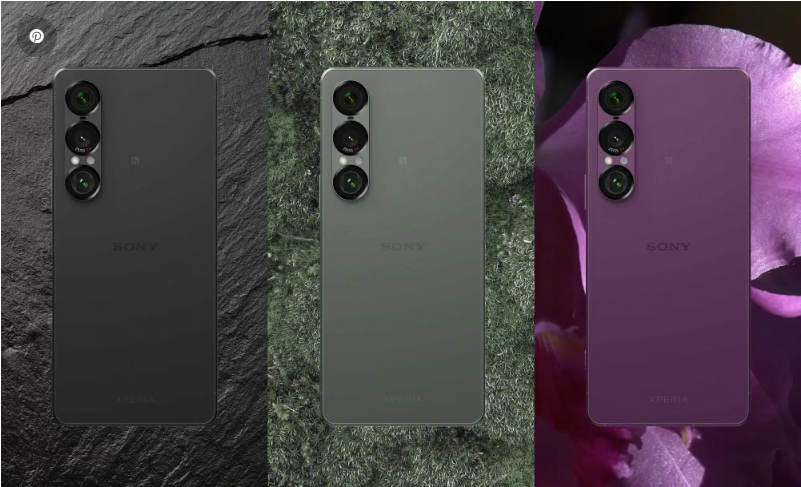
The problem turned out to be hardware-related. After thorough testing, Sony confirmed that a manufacturing defect in some units could cause circuit board failures. While the company insists only a small number of devices are affected, it has identified all faulty units and corrected the production process to prevent future issues.
Since this isn’t a problem a software patch can fix, Sony is offering full replacements for impacted devices.
How to Check If Your Xperia 1 VII Is Eligible for Replacement
Given the severity of the issue, Sony has opted to replace affected phones rather than attempt repairs. The replacement program begins on July 21, but you can take these steps now to verify eligibility:
1. Locate Your IMEI Number
- If your phone powers on, dial \*#06# in the phone app to display the IMEI.
- If your device won’t turn on, check the original packaging or the SIM card tray (printed on the top row).
2. Check Your Device’s Status
- Enter your IMEI on Sony’s official verification page: [Sony IMEI Check Tool](https://services.sony.co.uk/supportmvc/en/Contact/checkimeivii).
3. Next Steps
- If you purchased directly from Sony, they’ll contact you with further instructions.
- If you bought from a retailer, visit the nearest Sony Authorized Service Center for assistance.
More details will be available once the replacement program officially launches. For now, affected users can confirm whether their device is part of the faulty batch and prepare for the swap.